
Arabic to English
Your documents,translated clearly.
Choose your document, add the Arabic original, and follow your request through to your English translation.
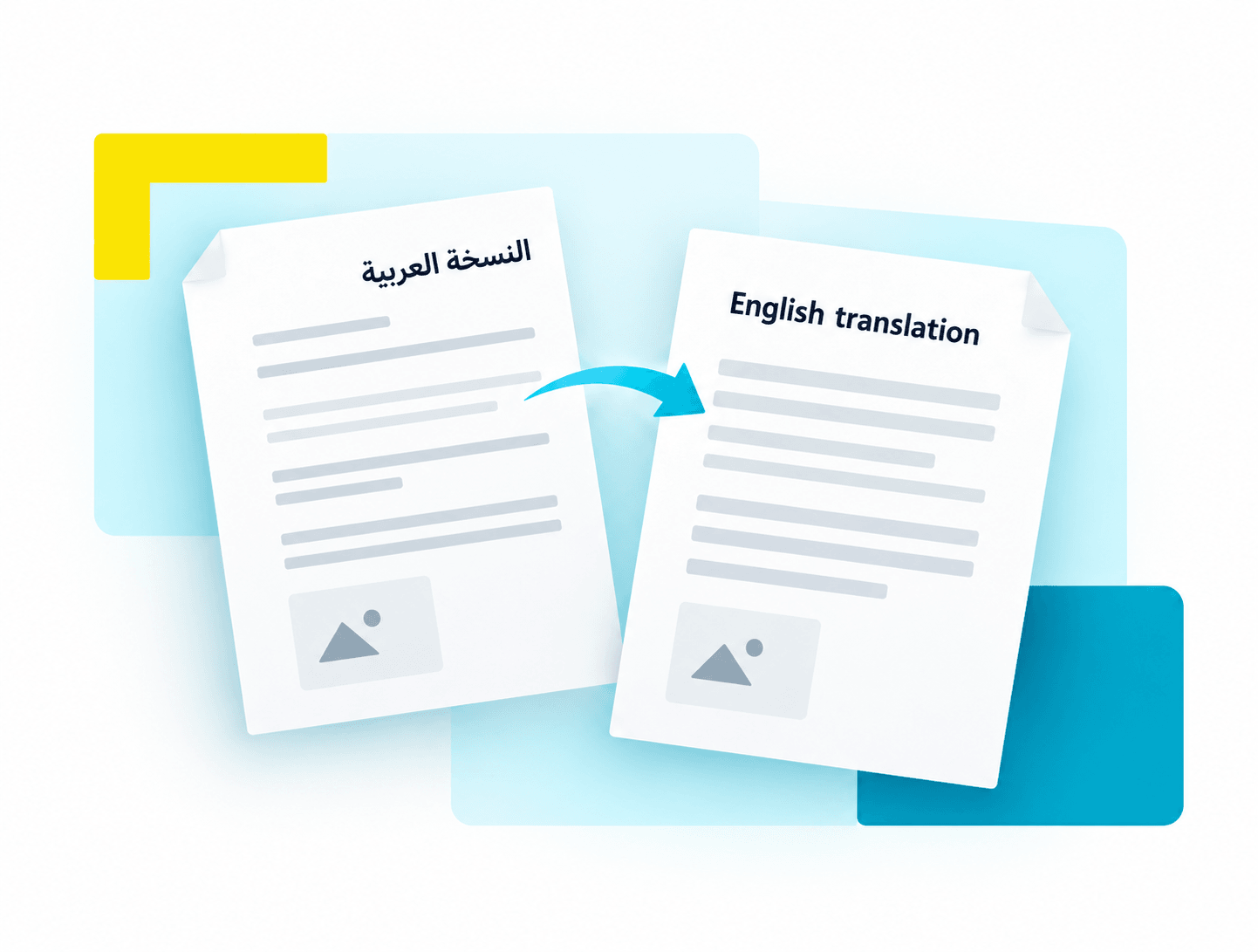
How does translation work?
1Choose your document
Select the document you want translated from the available services.
2Add the Arabic original
Add a clear PDF or image that meets your selected service’s requirements.
3Follow your request
Complete the required details and track your request until the English document is ready.
Before you begin
A little preparation. A smoother request.
Have these details ready before starting your translation request.
A clear Arabic original
Include the full page, with text and document details clearly visible. The selected service will show its file and page limits.
Correct English names
If the service asks for names in English, use the spelling from your passport or official record.
An email you can access
Use the same email when signing in to find your requests. Keep your personal sign-in link private.
Good to know
Common questions
A few answers before you start.
Which documents can I translate?
Start a translation to see the current categories and document types. Only documents available in the service can be selected. If yours is not listed, it is not currently available here.
Can I translate English into Arabic?
Currently this service translates Arabic documents into English. Other translation directions are not available yet.
What should I upload?
Upload a clear Arabic original that matches the document type you selected. Check that service’s accepted file formats, file size and page limit before uploading.
Where do I find my translation?
Sign in with the same email and open My requests. Open your request to check its status and any follow-up instructions. When the issued translation is ready, its PDF download appears there.
What does “Verify a document” check?
It checks the verification code on a document issued by this service and whether that version is current. It does not translate a file or check whether another authority will accept it.
Ready to translate your document?
Choose an available document and review its requirements before uploading.